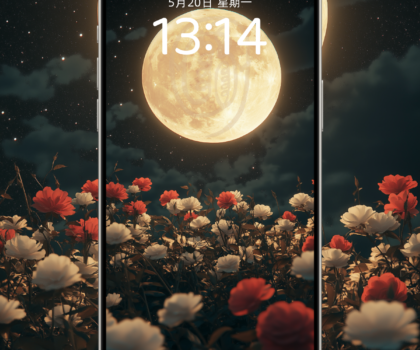
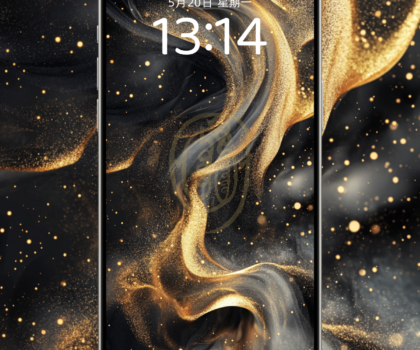
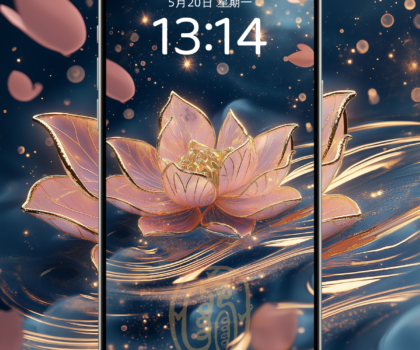
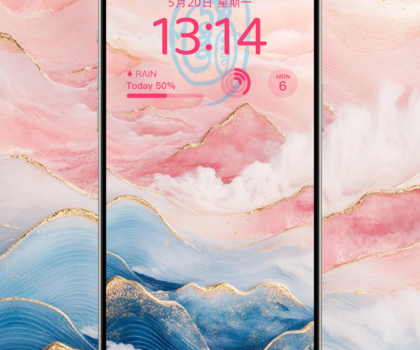
Love this wallpaper? Download the original for free
Turn the blessing you love into the view you see every day.
How to save it and set it as your wallpaper
- iPhone / iPad: If the button does not save the image directly, tap "Open original", press and hold the image, choose Save to Photos, then set it as wallpaper from the Share menu in Photos.
- Android: If the button does not save the image directly, tap "Open original", press and hold the image to download it, then pick it from your gallery or wallpaper settings.
- Computer: Click the download button, or open the original, right-click and choose "Save image as", then set it as wallpaper in your system settings.
- Adjust the position and crop to your screen ratio to keep the part you like.
License: Free for personal use. Resale and commercial use are not allowed. When sharing, please share the link to this page.